Best AI Social Media Marketing Tools That Save Hours Every Week (2026)
Managing social media properly takes more time than most teams admit. Writing captions for five platforms, figuring out best posting times, responding to comments, tracking what content actually performs, and doing it all again next week. Without tools, this is a full-time job on its own. AI social media tools change the math. They generate captions in your brand voice, schedule posts at the right time for each platform, show you which content formats and topics are actually driving growth, and help you stay consistent without the daily grind. We have tested 35+ AI social media tools. This list covers the ones that hold up in real content calendars across Instagram, LinkedIn, TikTok, and X.
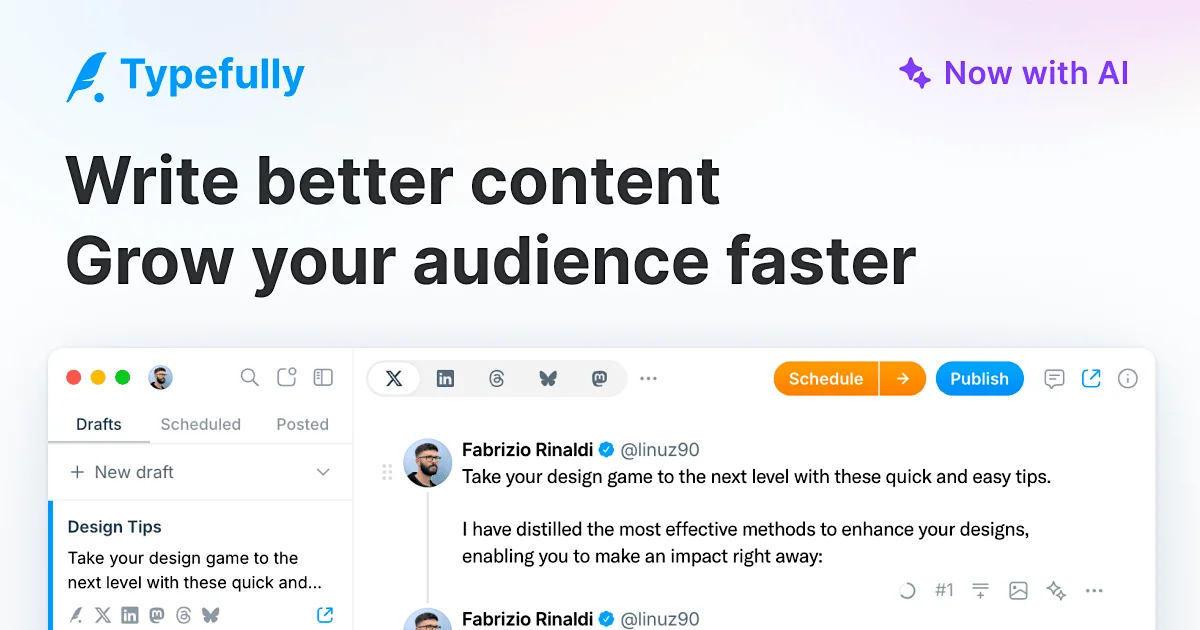
AI-Powered X (Twitter), LinkedIn & Multi-Platform Writing & Publishing Platform
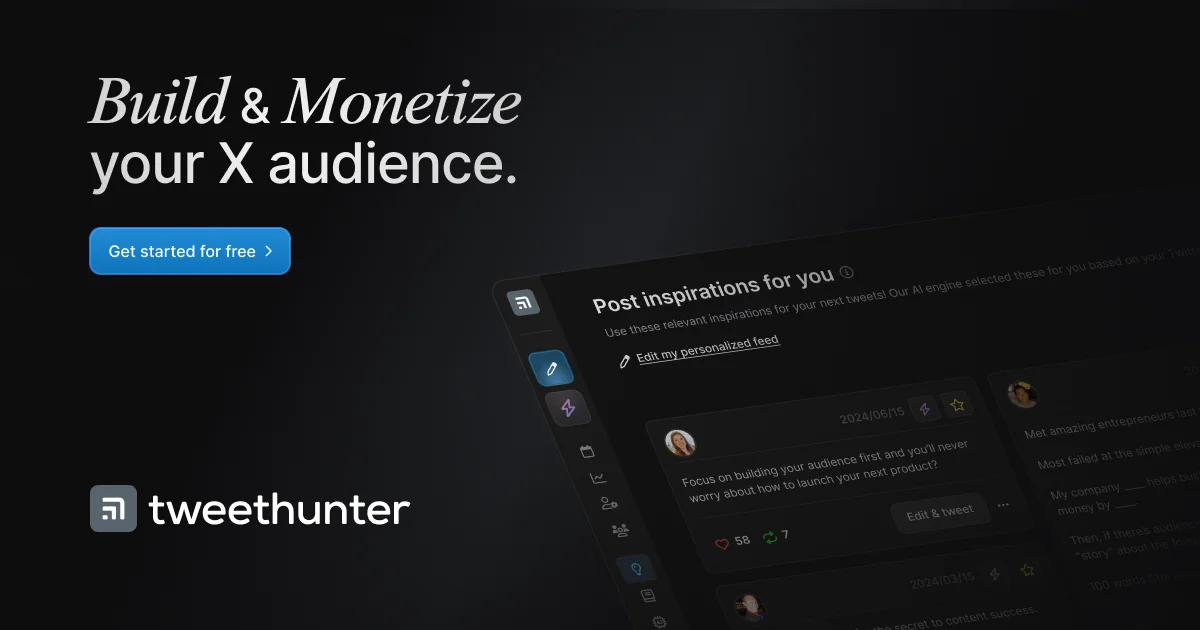
X (Twitter) Audience Growth, AI Content Creation & Monetization Platform
YouTube SEO, Video Optimization & Channel Management Platform
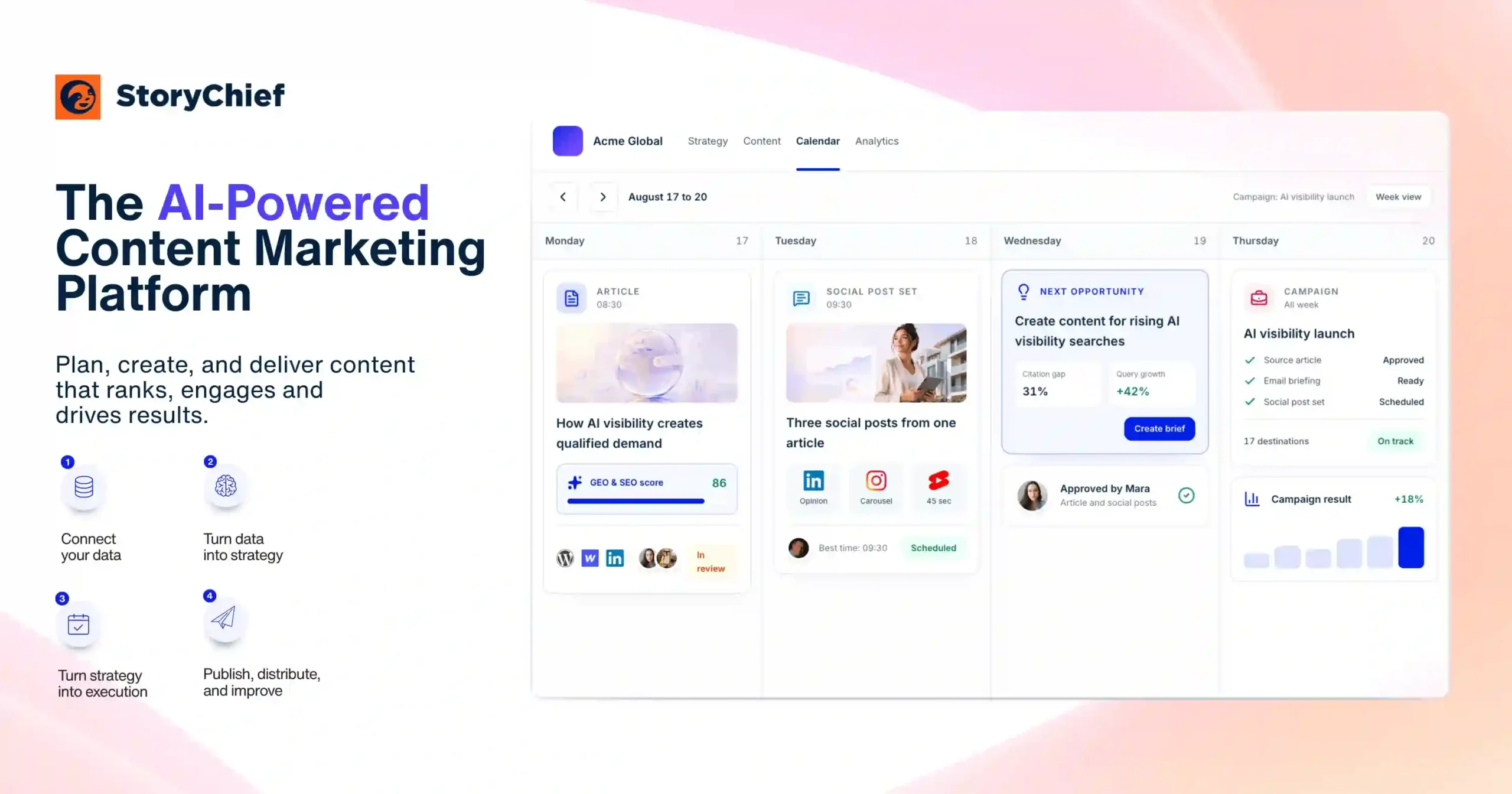
AI-Powered Content Marketing, Planning & Multi-Channel Publishing Platform
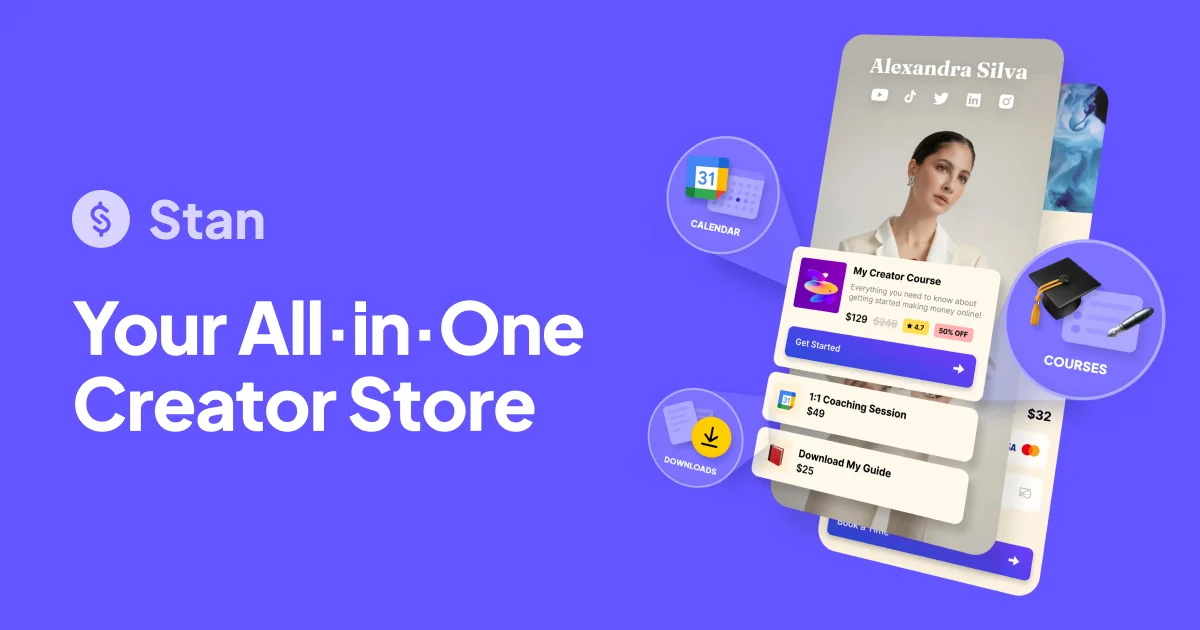
Creator Storefront, Digital Products & Link-in-Bio Platform
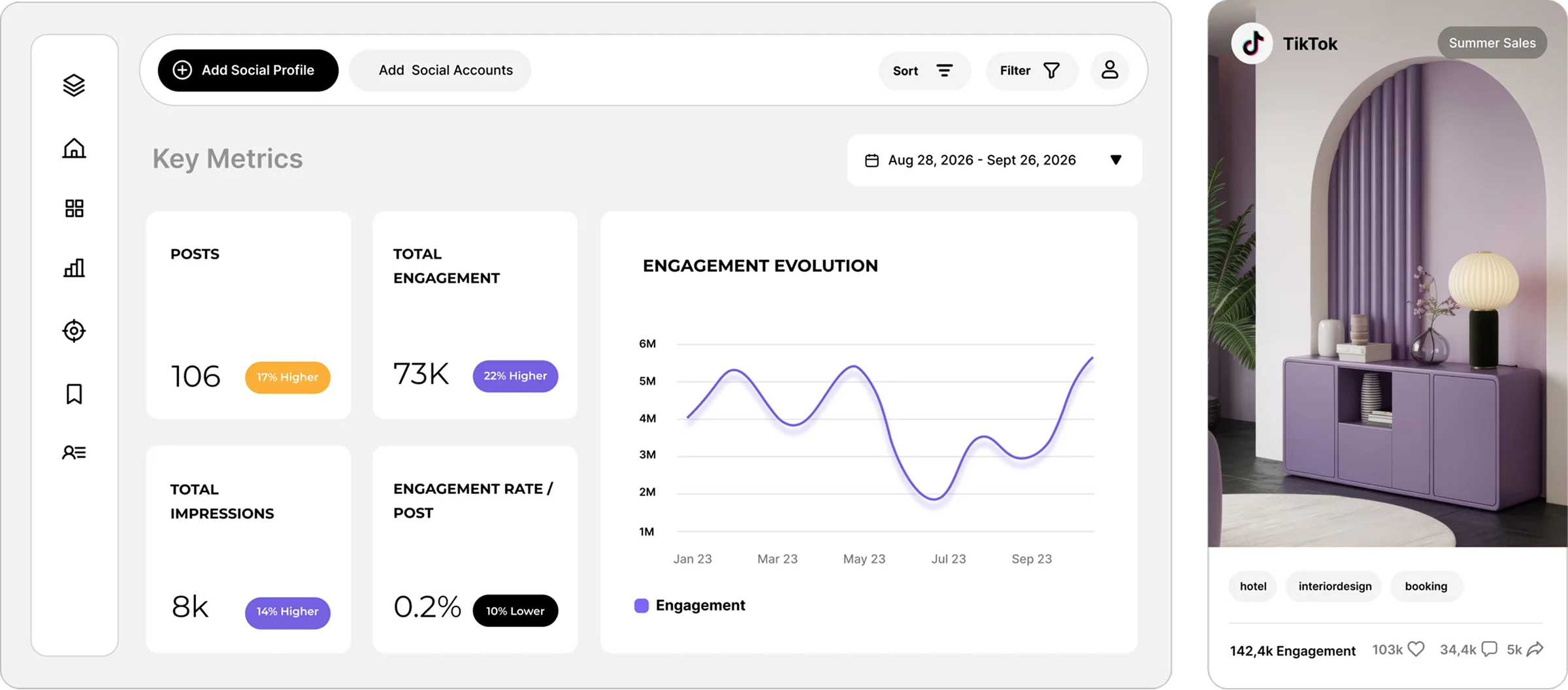
Social Media Analytics, Competitor Benchmarking & Content Strategy Platform
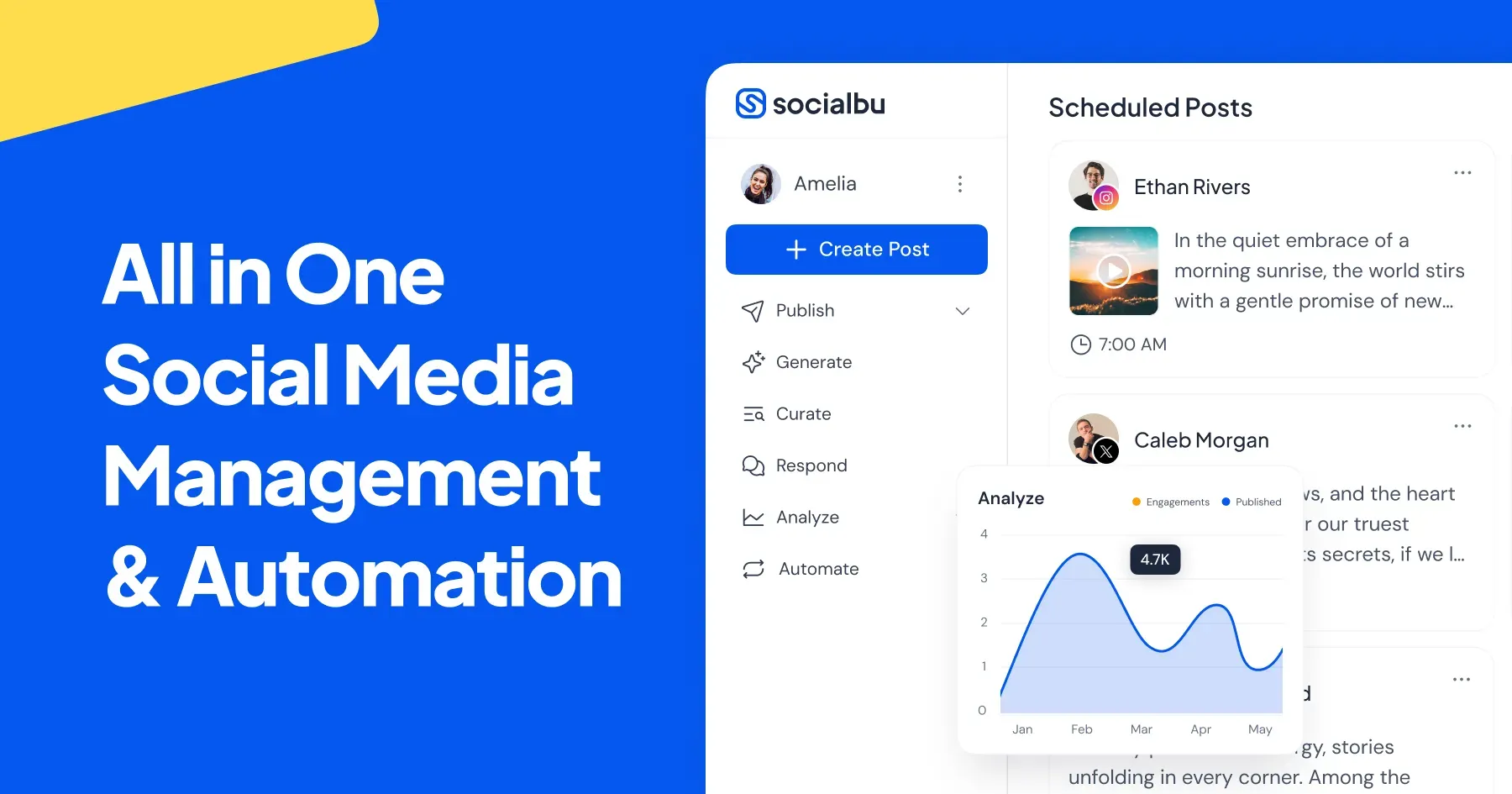
All-in-One Social Media Management, Content Automation & AI Generation Platform
AI assistant for social posting automation
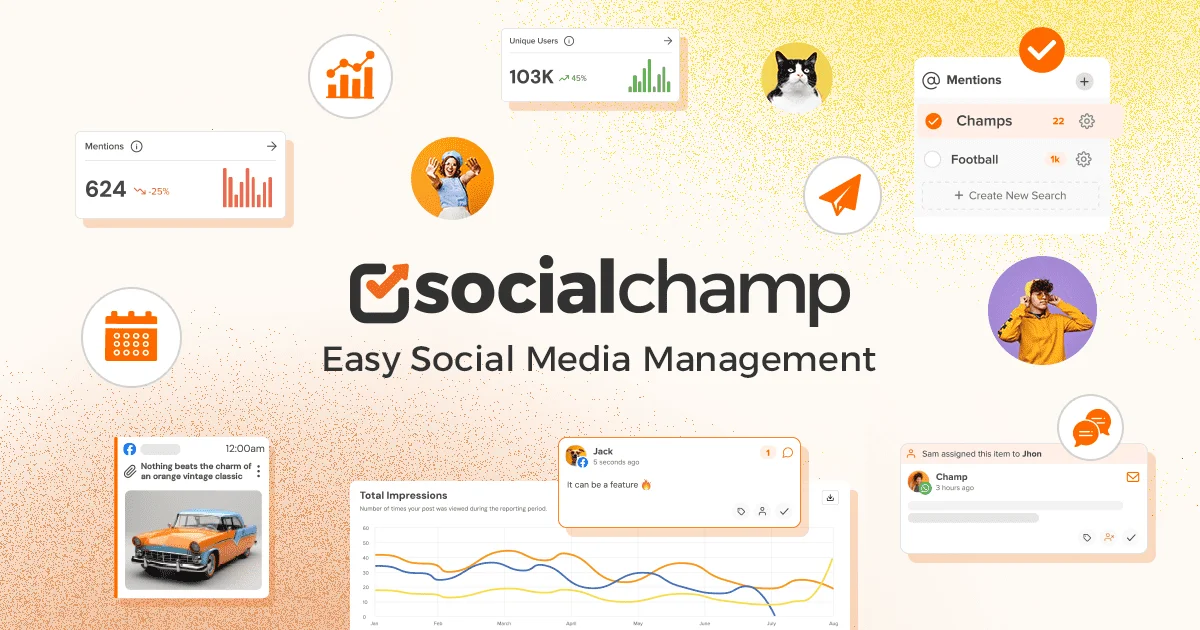
Social Media Management, Automation & Multi-Channel Publishing Platform
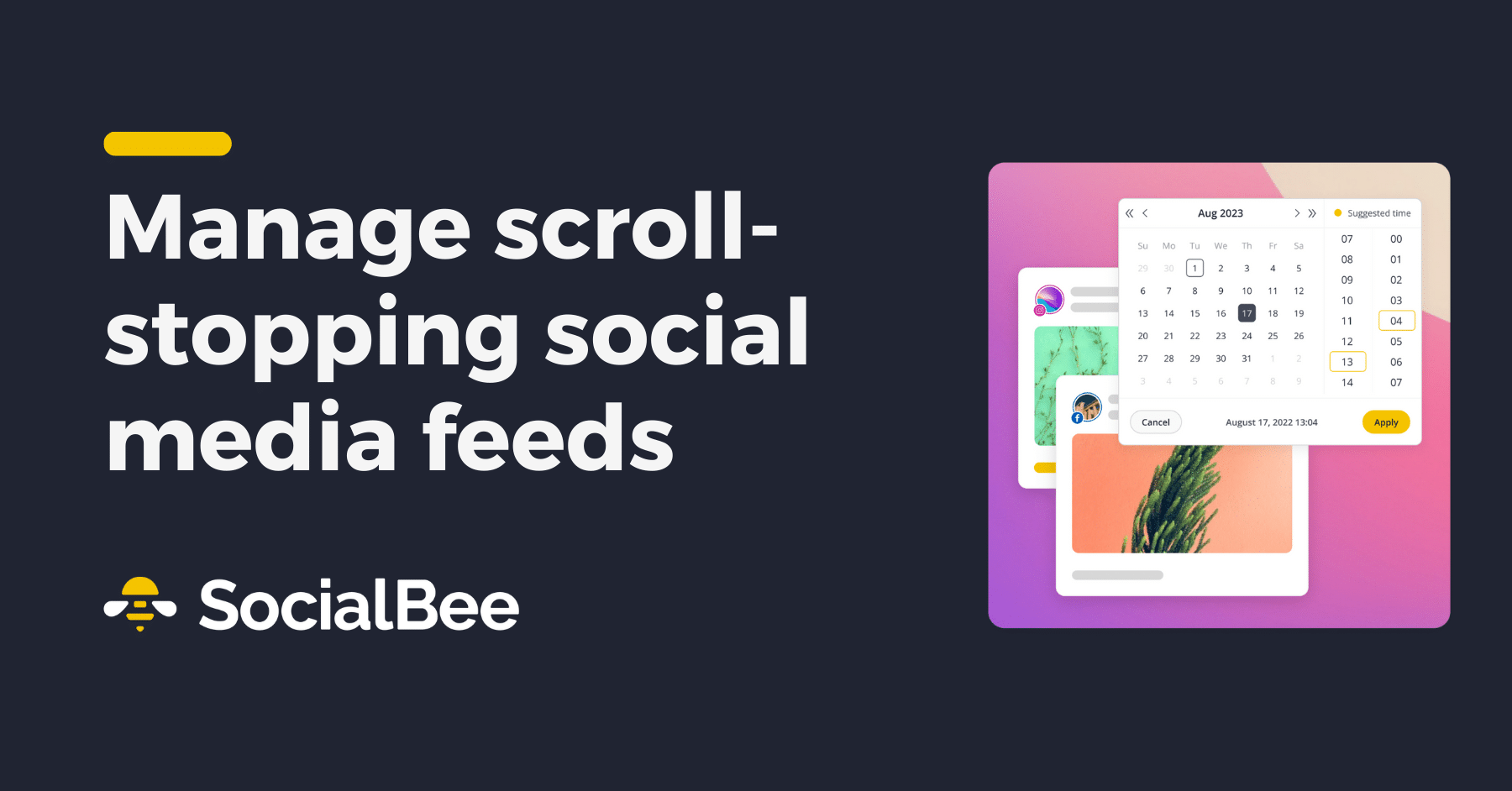
Visual Social Media Planner, Scheduler & Link-in-Bio Platform
Social Media Management & Agency Collaboration Platform
Competitive Social Media Analytics, Benchmarking & Reporting Platform
Don't Lose This. Bookmark aimarketingtools.best.
35+ AI social media tools reviewed · Updated July 2026 · Tested across Instagram, LinkedIn, TikTok, X, and Pinterest
Frequently Asked Questions About AI Social Media Marketing Tools
AI-Powered Design Tools for Creative Workflows, Layout & Prototyping
What is the best AI tool for social media marketing in 2026?
It depends on your platform and team size. For **multi-platform management**, SocialBee AI and ContentStudio are the strongest all-rounders. For **Instagram**, Later has the best visual planning and link-in-bio features. For **LinkedIn growth**, Taplio and Shield Analytics give you what LinkedIn’s native analytics hide. For **TikTok-focused content**, Predis AI is purpose-built for short-form video copy. For **enterprise teams**, Hootsuite and Sprout Social are the standard. For **solo creators and small teams on a budget**, Buffer’s free plan or SocialBee’s starter tier are the best starting points.
Can AI write social media captions that actually sound human?
Yes — with the right setup. The tools that produce the least robotic captions are ones you train on your own past posts first. **SocialBee AI** and **ContentStudio** both let you define brand voice with examples. **Lately** analyzes your existing best-performing content and generates new posts in the same style. The key is giving the tool your best examples upfront, specifying the tone (professional, casual, humorous), and always reviewing before publishing. Raw default AI captions need editing. AI captions with brand context usually need only minor tweaks.
What is the best free AI social media tool?
Best free options: **Buffer** (3 channels free, good scheduling features), **Later** (free plan for one social set), **Canva** (free tier for social graphics with AI features), **SocialBee** (14-day free trial), and **Meta Business Suite** (free native scheduler for Facebook and Instagram). For AI caption generation specifically, **ChatGPT** with a good prompt template is free and often produces better captions than paid tools when you give it proper brand context and examples.
How does AI determine the best time to post on social media?
AI scheduling tools like SocialBee, Hootsuite, and Later analyze your historical post performance data to identify patterns — which days of the week, which hours, and which content types get the most engagement from your specific audience. They do not use global averages (which are often misleading). They use your actual audience behaviour. After enough data accumulates, usually 30 to 60 days of posting, the AI can predict your optimal send windows per platform with reasonable accuracy.
What is the difference between a social media scheduler and a social media management tool?
A **scheduler** handles publishing — you create content, set a time, and it posts for you. A **social media management tool** does that plus engagement (responding to comments and DMs in one inbox), analytics, team collaboration, client approval workflows, and sometimes AI content generation. Tools like Buffer and Later lean toward scheduling. Tools like Hootsuite, Sprout Social, and SocialBee lean toward full management. Most growing teams start with a scheduler and upgrade to a management tool once they are managing more accounts or have a team working on social.
Which AI tools are best for growing on TikTok specifically?
For TikTok growth specifically: **Predis AI** generates TikTok video scripts and captions trained on TikTok’s content style. **Vidyo.ai** turns long videos into short TikTok clips with AI-generated captions. **CapCut** (TikTok’s own editing app) has strong AI features built in. **Flick** surfaces trending TikTok audio and hashtags before they peak. For analytics, **TikTok’s native analytics** is surprisingly detailed for a free tool — worth using alongside any third-party platform. Most third-party social tools have limited TikTok scheduling capability compared to Instagram or LinkedIn.
How do AI tools help with hashtag research for social media?
AI hashtag tools analyze which hashtags are used by top-performing posts in your niche, identify the right size of hashtag for your account (too popular means you get buried, too niche means no volume), and generate hashtag sets tailored to each post’s content. **Flick**, **Hashtagify**, and **Display Purposes** are the dedicated hashtag research tools. Most scheduling platforms like SocialBee and Later also have basic hashtag suggestion features built in. The biggest mistake is using the same 30 hashtags on every post — Instagram’s algorithm deprioritizes this pattern.
Is it worth paying for a social media scheduling tool or just using the free native schedulers?
Native schedulers from Meta, LinkedIn, and TikTok are free and work fine for single-account management on one or two platforms. The case for a paid tool comes down to: **cross-platform publishing from one dashboard** (huge time saver when you are on 3+ platforms), **analytics that go beyond what native dashboards show**, **team workflows** (assigning posts, getting approvals, working in parallel), and **AI content generation** built into the scheduling flow. If you are managing one brand on two platforms solo, the native tools might be enough. If you are managing multiple accounts or working with a team, a paid tool pays for itself quickly.
Get New AI design tools Update in your inbox, every Monday.